SURVEYMONKEY LEARNING LAB
Survey Basics
A free course from the SurveyMonkey Learning Lab. Learn survey fundamentals in under an hour.
Lessons in this course

Lesson 1: Start with your goals
5 minutes
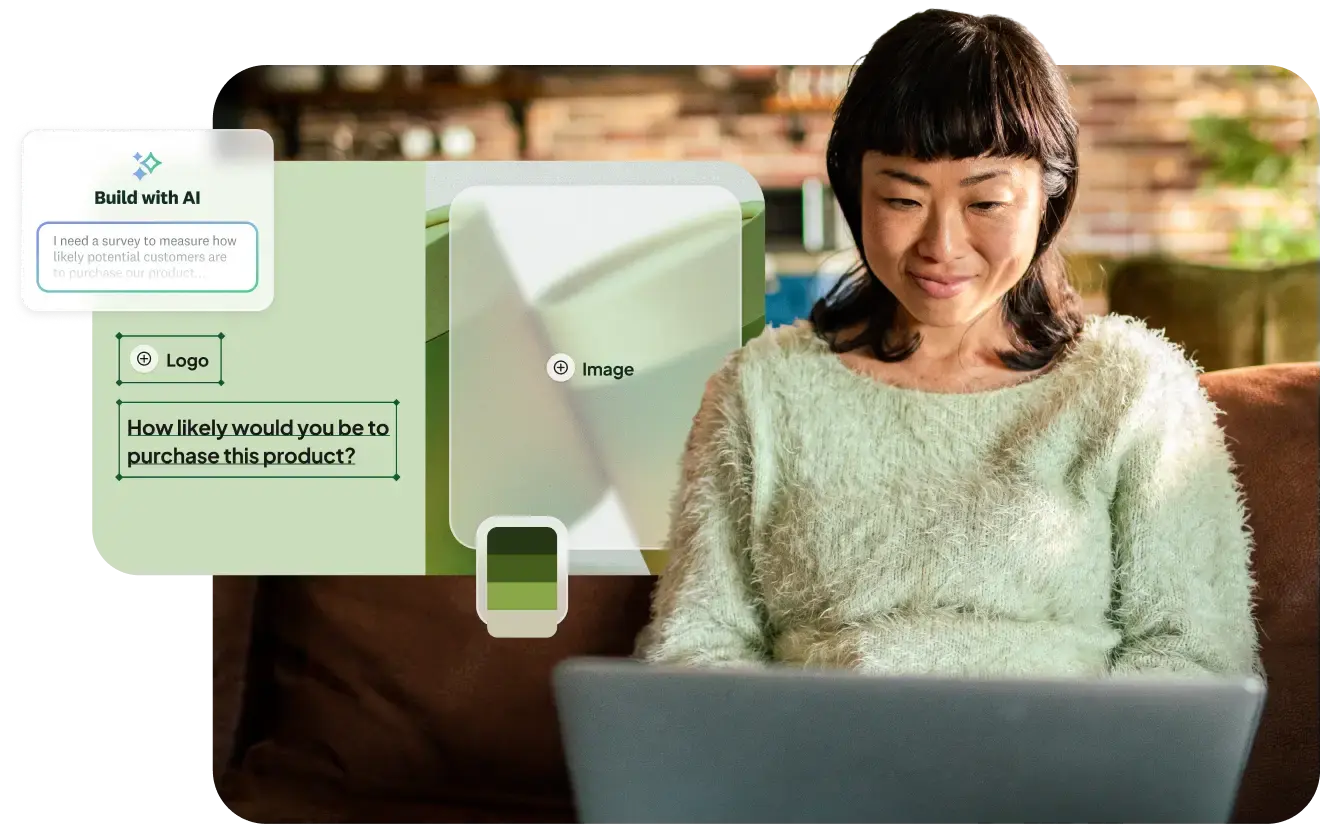
Start with a clear goal: name your key insights and write questions that earn their place.
Lesson 2: Start your first draft
6 minutes
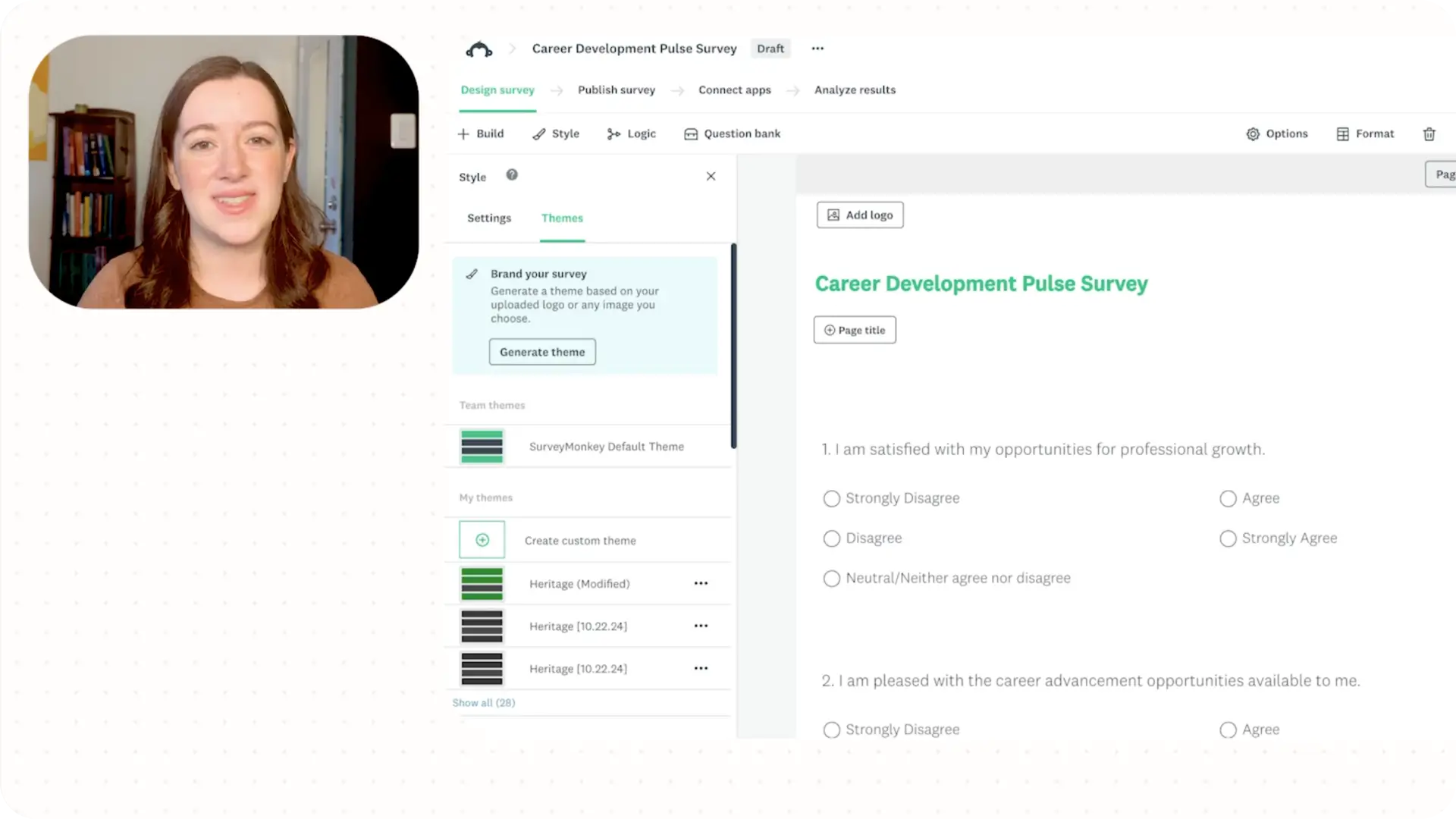
Draft it quickly: start from an idea, a template, or a blank page.
Lesson 3: Design a survey
4 minutes
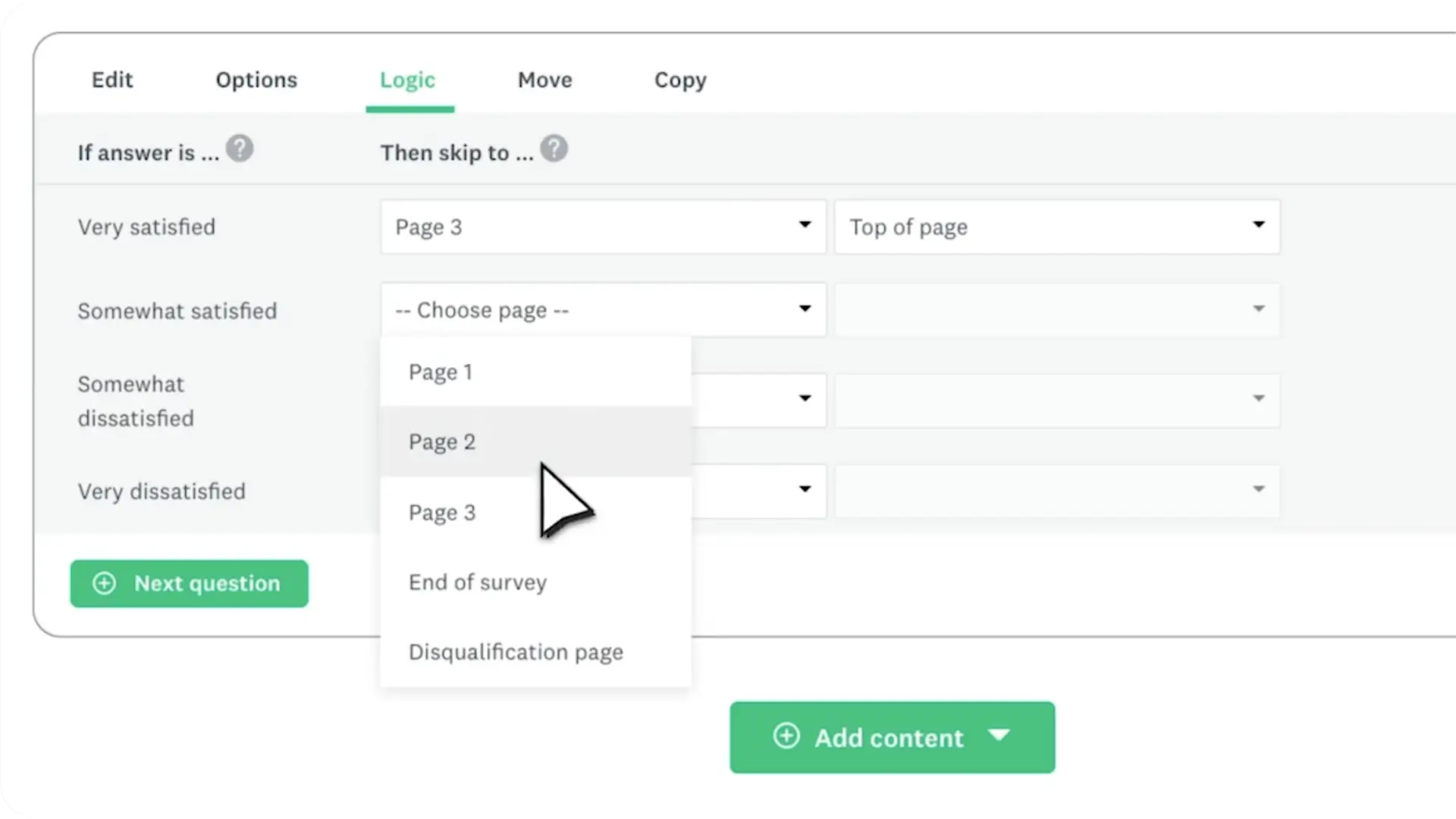
Design for flow: pace your pages, use logic, and make it feel like a conversation.
Lesson 4: Test your survey
3 minutes
Learn how to test a survey before launch: verify question logic, layout, and peer reviews.
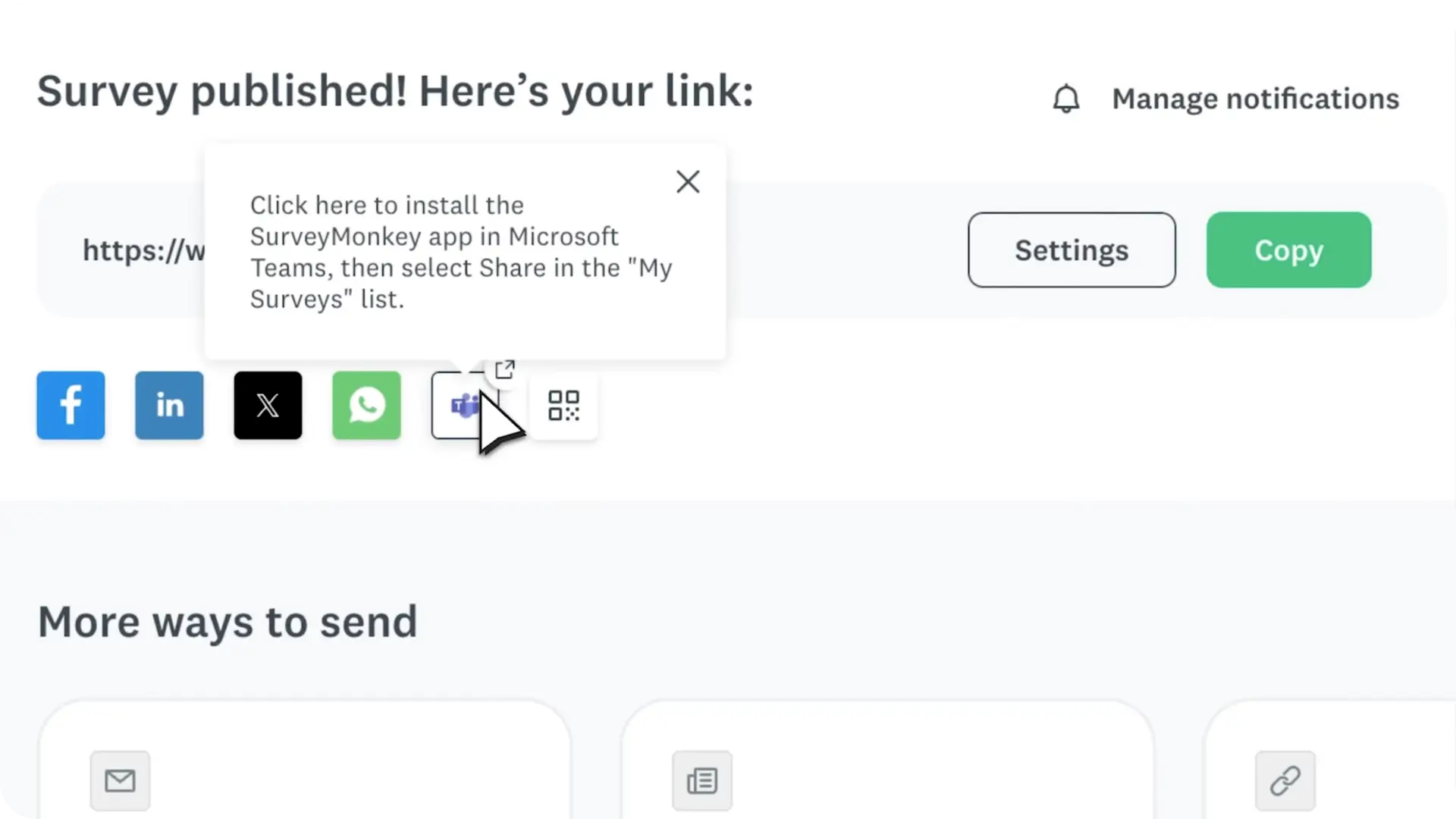
Lesson 5: Distribute your survey
4 minutes
Send it smart: pick the right channel, write invites that convert, and lift response rates.
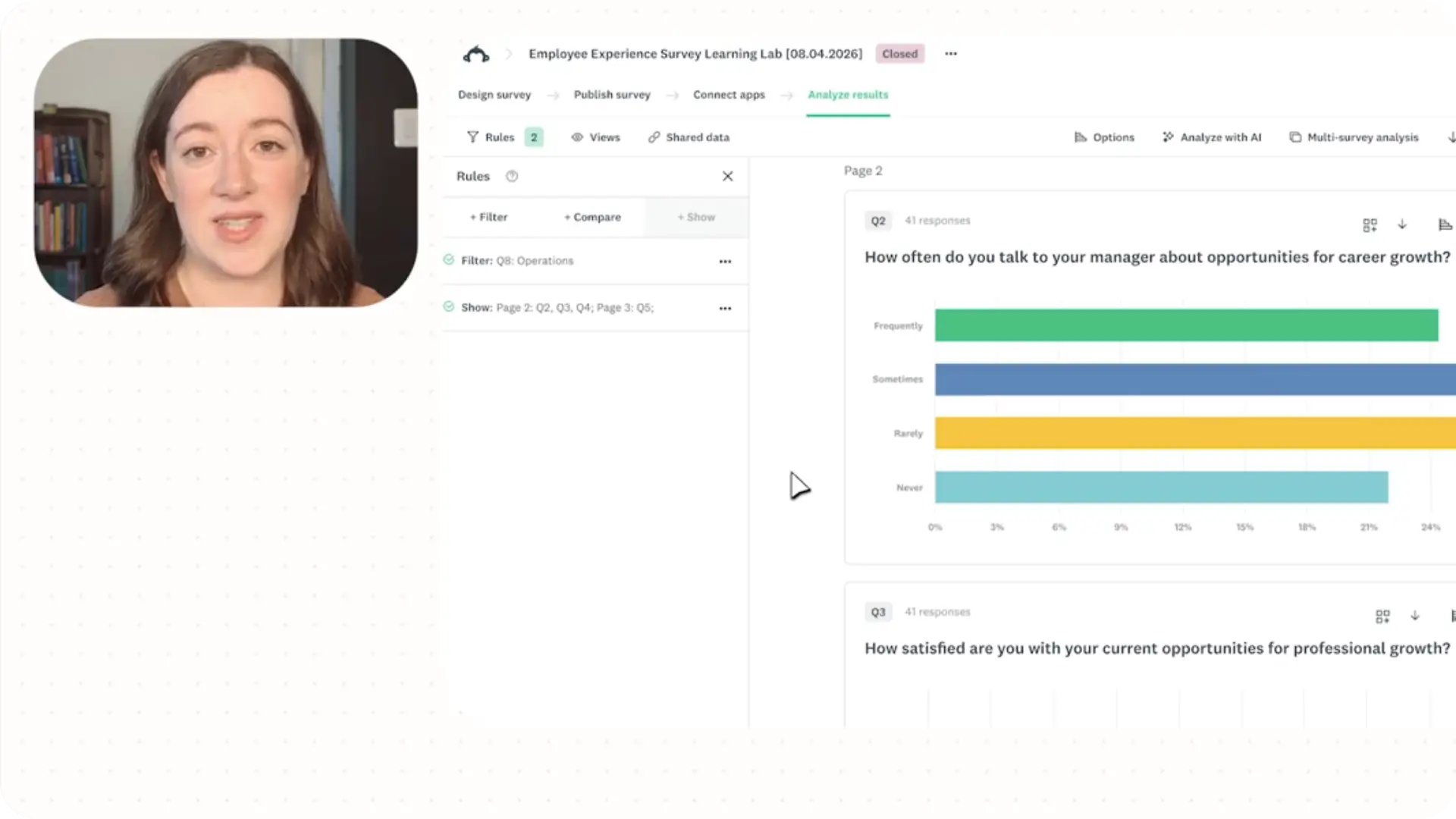
Lesson 6: Analyze survey results
5 minutes
Learn how to analyze results: filter key subgroups, summarize text themes, and take action.
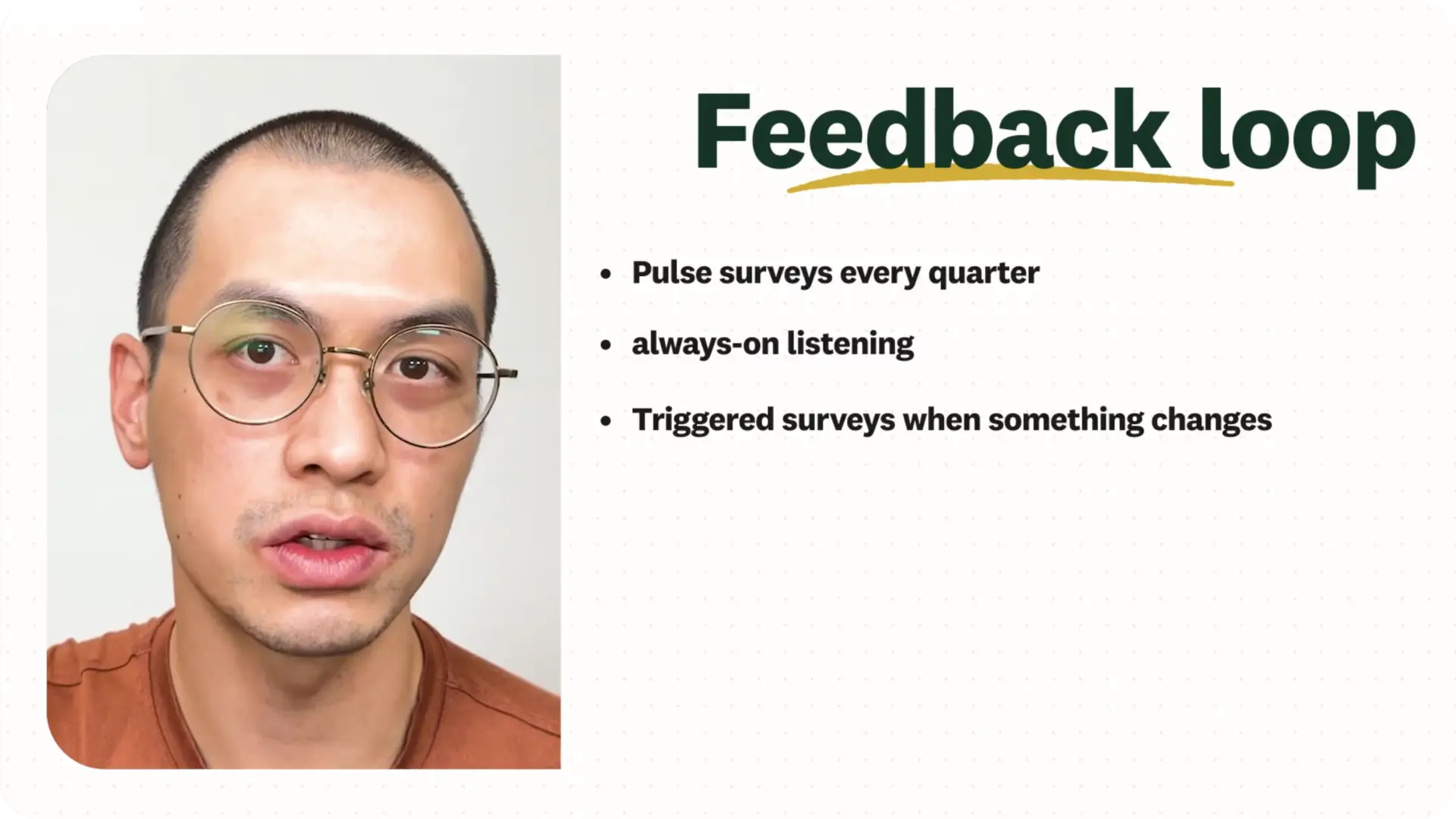
Lesson 7: Build feedback loops
3 minutes
Keep listening: turn one survey into a continuous feedback loop across EX, CX, or product.
Ready to build your first survey?
Sign in and create as you learn. Each lesson guides you through one real step. You'll have actionable tasks at every stage, and by the end, you'll have a complete survey ready to share. Follow along from start to finish.