AI SURVEY GENERATOR
Smarter surveys start here
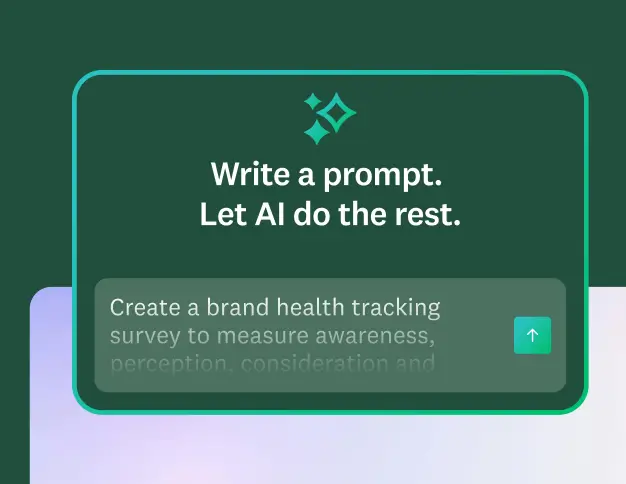
Type your prompt. Build your survey in seconds, no sign-up required.
How to create surveys with AI
1. Generate your survey
Describe your survey topic for a complete AI-generated draft, or paste an existing draft to instantly bring it into SurveyMonkey. Start from scratch or refine what you already have in seconds.
2. Customize your survey
Create a polished, on-brand survey using AI to instantly apply your logo and colors. You don't need to be a designer to build a beautiful, trustworthy survey that perfectly matches your brand.
3. Launch with confidence
Use AI-powered tips to fine-tune your structure and fix potential bias. Ensure a better experience for your respondents, leading to higher completion rates and more reliable, high-quality data.
Supercharge survey creation with AI
Build your surveys with AI in seconds
Just describe what you want to learn, and our AI will generate a custom survey draft with recommended questions that’s ready to send. Tweak and customize to make it your own, and launch with confidence.


Import your surveys to SurveyMonkey with AI
Copy and paste surveys you’ve already drafted in Google Docs, Word, or any other application into SurveyMonkey, and our AI will automatically bring the draft into our platform, with the right question types and formatting, ready to launch in minutes.
Incorporate your brand identity with our AI survey theme generator
Upload an image, such as your logo, and our AI will create a custom theme for your survey that matches your brand colors and style—no design skills required.


Fine-tune your survey with survey tips before you launch
AI-powered survey tips help you identify potential sources of survey bias, and issues with your survey structure and questions. You’ll provide a better survey experience, get higher response rates, and better data.

Get help choosing question types with AI
As you write your questions, our AI predicts the best question type—multiple choice, open-ended, rating scale, and more—so your survey is easy to build.

Automatically get response options with answer genius
Write your question and our AI suggests relevant and comprehensive answer options, saving you time and ensuring clear choices for respondents, all supported by survey science.
Explore all our AI features
Learn how quick and easy it is to create and analyze surveys with SurveyMonkey AI.
How AI can help your organization create better surveys, faster

Test campaigns and messages in record time
Quickly spin up branded surveys to capture customer feedback on ads, content, and product messaging before launch.


Discover our capabilities

AI features to analyze surveys
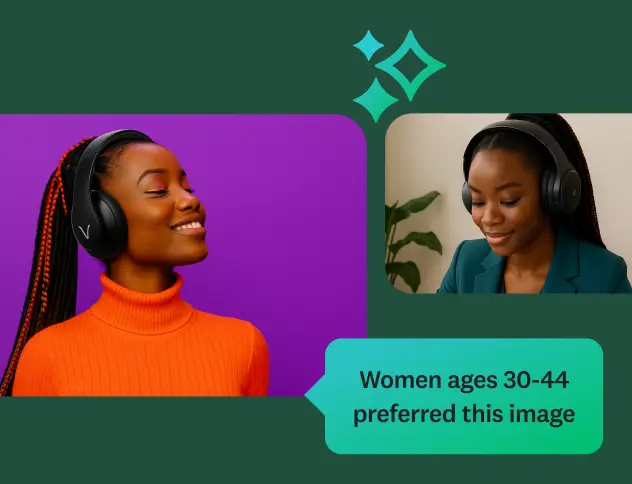
Ask questions about your survey responses, and identify key themes and sentiment using SurveyMonkey AI.
Create better AI prompts
Learn 5 quick tips for writing prompts that generate high-quality surveys and forms.
Discover our top features
Explore all SurveyMonkey features that help you get to insights fast.

Our AI principles
Explore the transparency and accountability that guide how we build AI.
Frequently asked questions
- Can AI create a survey for me?
- What are the benefits of creating surveys with AI?
- Can I import my own survey using AI?
- Can I customize an AI-generated survey?
- How do I analyze survey results with AI?
- Why should you feel confident using SurveyMonkey AI?
Surveys in seconds.
Insights in minutes.
Learn how quick and easy it is to create and analyze surveys with SurveyMonkey AI.