A little customer research goes a long way when it comes to preparing your product or service for a successful release. Get valuable feedback from your target audience with our expert-certified new customer research survey template. You can learn what people think, gather recommended changes, and improve your product before it goes to market.
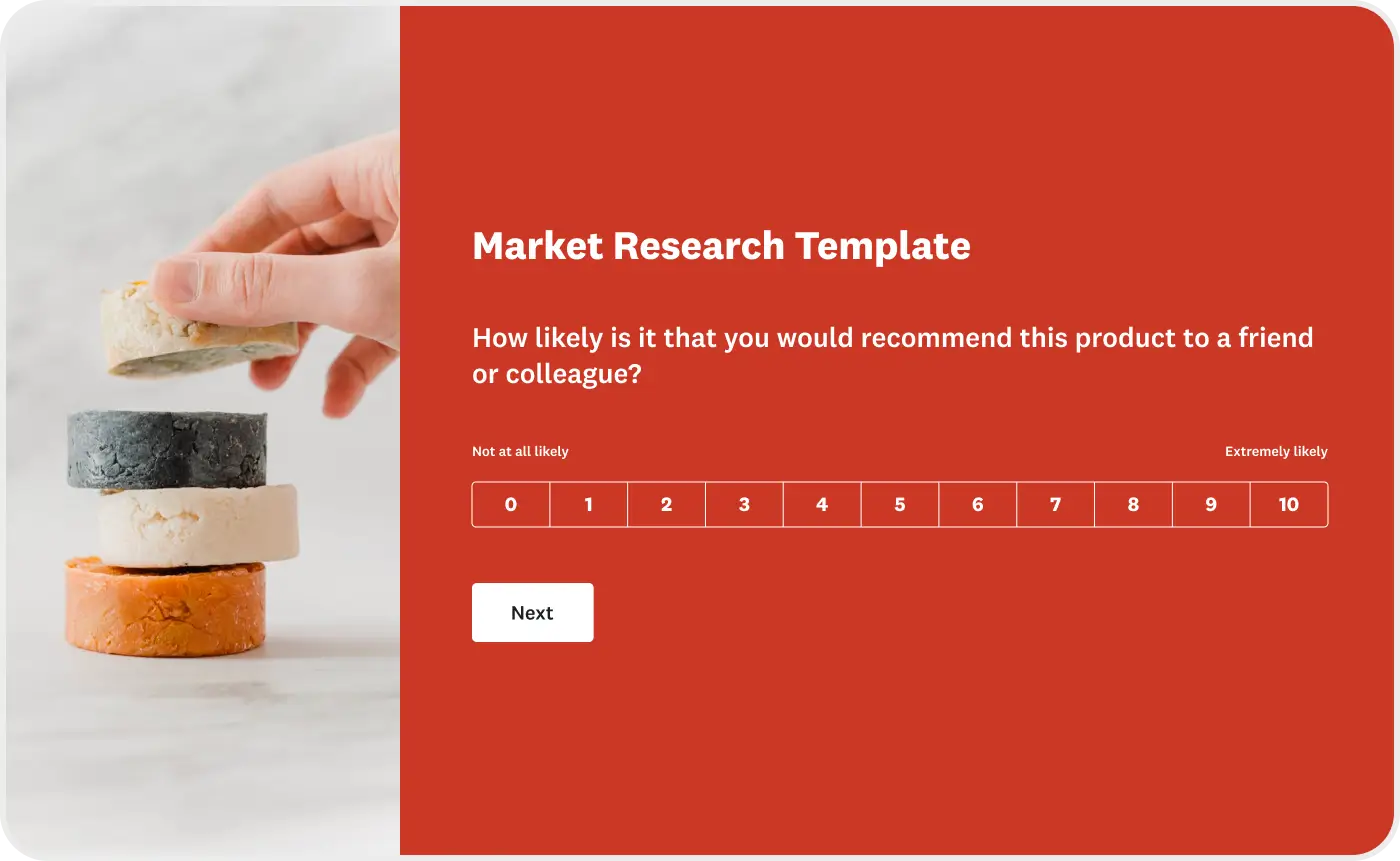
With this survey, you can get actionable feedback on your product or service. Find out about likes and dislikes. See what would make people more likely to use your product or service, and understand pricing sensitivities. Pave the way for a great product launch by hearing the opinions of your ideal customers. Want to add your own questions? It’s easy to make changes and additions to this survey template.
To create a survey using the Market Research survey template, just sign up or sign in to SurveyMonkey. You’ll be able to choose the template when you begin creating a survey.
Explore related templates




Explore which features support this survey template
We have so many powerful features to help you launch surveys quickly, but here are our most popular ones for new users.
Customizable survey experiences
Out-of-the-box themes, accessible color palettes, custom fonts, branding, and more.
Many ways to send your surveys
Collect survey responses via email, website, SMS, social media, QR codes, offline, and more.
Survey analysis, no training required
Automatic results summaries, filters, custom dashboards, crosstab reports, text analysis, & more.
Additional resources to help you launch successful survey projects

Success Stories
Read about our customers, explore webinars, and get guides on collecting feedback in your industry.

Blog
Get tips on how to create better surveys, hear the latest product news, or check out our research.

Help Center
Access tutorials on how features work, learn more about billing, and contact Customer Support.
Discover more resources

Solutions for your role
SurveyMonkey can help you do your job better. Discover how to make a bigger impact with winning strategies, products, experiences, and more.

On the ground at HubSpot UNBOUND: The new rules of market research in an AI world
Build a Modern Market Research Engine to turn customer signals into confident decisions. Learn the new rules of market research in an AI world today.

The accessibility audit that lowkey turned into a visual identity refresh
Learn how an accessibility audit turned into a company-wide brand refresh

What is a diary study?
A diary study is a qualitative research method where people log experiences over time. Learn when to use one and see real examples.