Consent Form Template
Used 5,000+ times
Confirm participation and protect your participants with our Consent Form Template.
Gain and document participant consent using our Consent Form Template
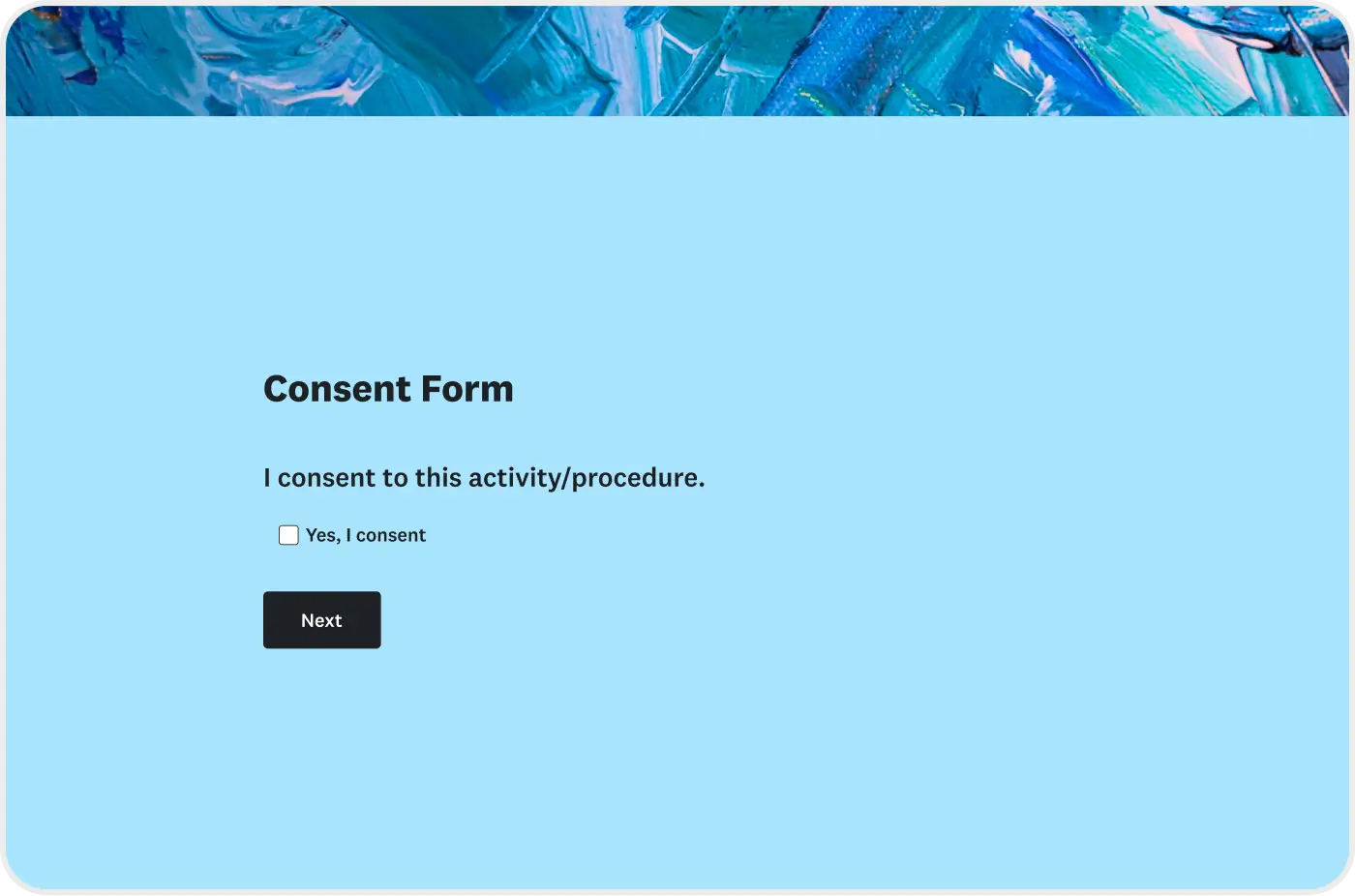
Confirm participation and protect your organization and participants with this expert-written Consent Form Template. This helps you obtain, document, and manage informed consent for activities involving personal data, medical procedures, research participation, photography, events, and other sensitive processes.
This Consent Form Template allows organizations to clearly present terms and conditions, collect participant information, and securely record agreement.
Used by thousands of organizations, this template helps ensure participants understand what they are agreeing to while protecting their rights and privacy.
How do Consent Form Templates work?

What it is
A consent form is a structured tool used to collect and document explicit permission from individuals before an activity. It is commonly used for surveys, research, media releases, and data processing to ensure consent is clearly recorded and securely stored.

Purpose
The Consent Form Template provides participants with clear information about an activity, procedure, or data use. It collects their name, date, and signature to confirm informed agreement.

Benefits
Using a standardized consent form helps protect your organization from liability, build trust through transparency, maintain organized records, and streamline approval and documentation processes.
What questions does a consent form ask?
This Consent Form Template includes essential fields needed to document informed consent, such as:
- Full name and contact information
- Description of the activity or procedure
- Terms, risks, and confidentiality statements
- Consent acknowledgment statement
- Digital signature and date
- Parent or guardian information (if applicable)
These fields ensure participants fully understand the agreement before providing consent.
Common uses of consent forms
This Consent Form Template can be adapted for many scenarios, including:
- Medical and healthcare consent
- Research and survey participation
- Parental and educational permissions
- Photography and media releases
- Employee and HR documentation
- Event participation and liability waivers
Each use case may require different legal language, disclosures, and signature requirements, which can be customized within the template.
How to make a consent form
Creating an effective consent form requires clarity, transparency, and compliance. Follow these steps to build a strong consent form using this template:
- Define the purpose: Clearly explain why consent is required and what activity or process it applies to.
- Describe the activity: Provide detailed information about procedures, data usage, participation requirements, and expected outcomes.
- Explain risks and rights: Outline any potential risks, benefits, privacy protections, and participants’ right to withdraw.
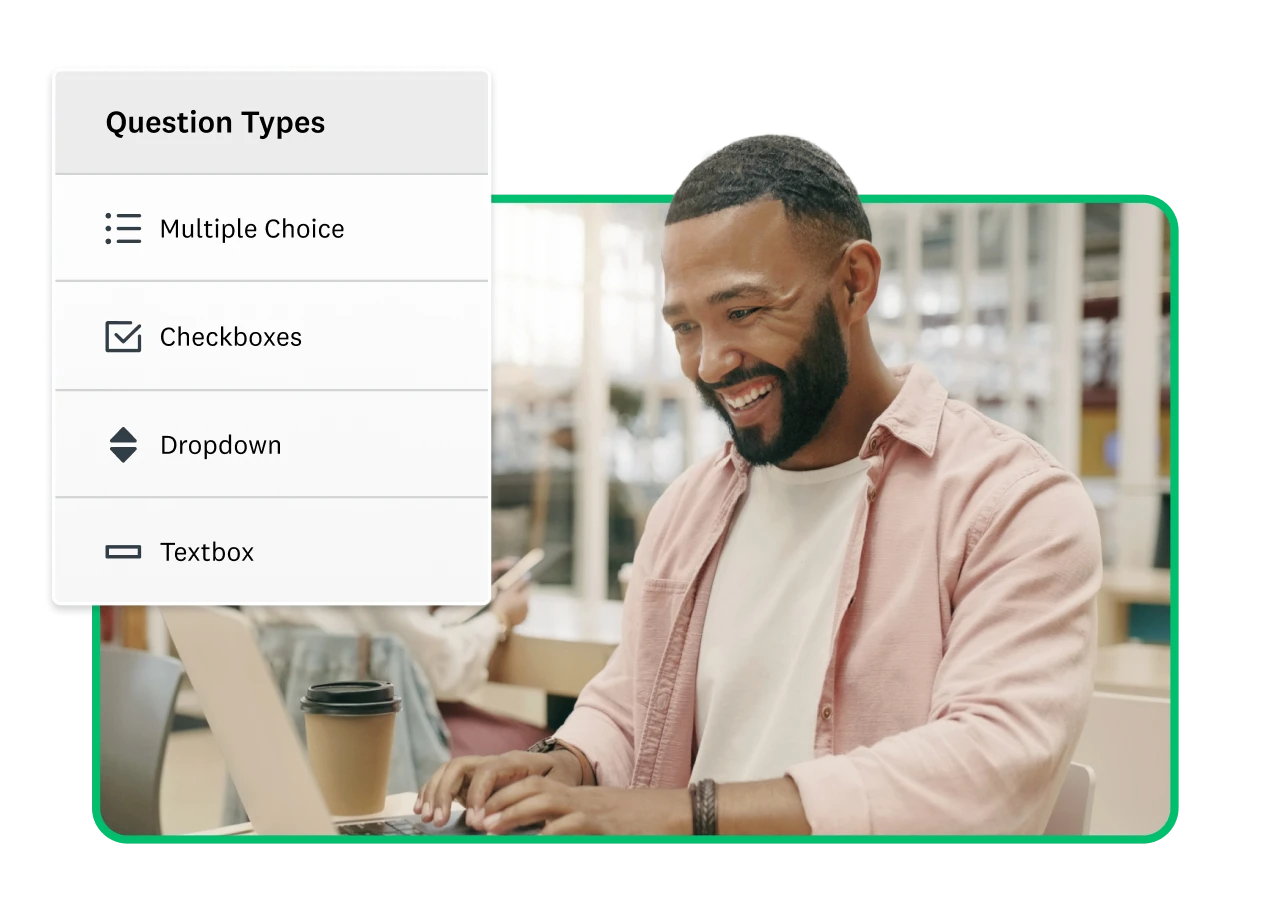
- Include agreement fields: Add checkboxes, acknowledgment statements, signature fields, and date fields to document informed consent.
- Customize for your use case: Modify wording, sections, and fields based on whether the form is for medical, research, education, media, or business purposes.
- Review and test: Ensure the language is clear, compliant, and easy to understand before sharing the form. Following these steps helps you create a consent form that protects participants and supports compliance standards.
FAQs: Consent Form Template
- What is a consent form?
- Are online consent forms legal?
- Can I customize this Consent Form Template?
Explore related templates

Explore which features support this survey template
We have so many powerful features to help you launch surveys quickly, but here are our most popular ones for new users.
Customizable survey experiences
Out-of-the-box themes, accessible color palettes, custom fonts, branding, and more.
Many ways to send your surveys
Collect survey responses via email, website, SMS, social media, QR codes, offline, and more.
Survey analysis, no training required
Automatic results summaries, filters, custom dashboards, crosstab reports, text analysis, & more.
Additional resources to help you launch successful survey projects

Success Stories
Read about our customers, explore webinars, and get guides on collecting feedback in your industry.

Blog
Get tips on how to create better surveys, hear the latest product news, or check out our research.

Help Center
Access tutorials on how features work, learn more about billing, and contact Customer Support.
Discover more resources

Solutions for your role
SurveyMonkey can help you do your job better. Discover how to make a bigger impact with winning strategies, products, experiences, and more.

Research polls: Use cases, sample size & best practices
Learn how to use research polls to collect quick insights. Explore use cases, sample size basics, methodology, and best practices.

Anonymous polls: What they are, benefits, and how to create them
Learn what anonymous polls are, why they matter, common use cases, and how to create them effectively for honest feedback.

Poll vs. survey: Definitions, key differences, and when to use each method
Learn the key differences between polls and surveys, with clear definitions, examples, and guidance on when to use each method.