AI SURVEY GENERATOR
Smarter surveys start here
Type your prompt. Build your survey in seconds, no sign-up required.
How AI can help your team survey like a pro

Test campaigns and messages in record time
Quickly spin up branded surveys to capture customer feedback on ads, content, and product messaging before launch.


How to create surveys with AI
Two easy ways to start
Describe your survey topic for a complete AI-generated draft, or paste an existing draft to instantly bring it into SurveyMonkey.

Let AI polish your survey
Refine your content with AI-suggested question types and answer options. Then, upload your logo to create a custom, on-brand survey theme.

Launch with confidence
Use AI-powered tips to fine-tune your survey structure, fix potential bias, ensuring a better experience, higher response rates, and quality data.

Explore all our AI features
Learn how quick and easy it is to create and analyze surveys with SurveyMonkey AI.
Frequently asked questions
- Can AI create a survey for me?
- What are the benefits of creating surveys with AI?
- Can I import my own survey using AI?
- Can I customize an AI-generated survey?
- How do I analyze survey results with AI?
- Why should you feel confident using SurveyMonkey AI?
Discover our capabilities

AI features to analyze surveys
Ask questions about your survey responses, and identify key themes and sentiment using SurveyMonkey AI.
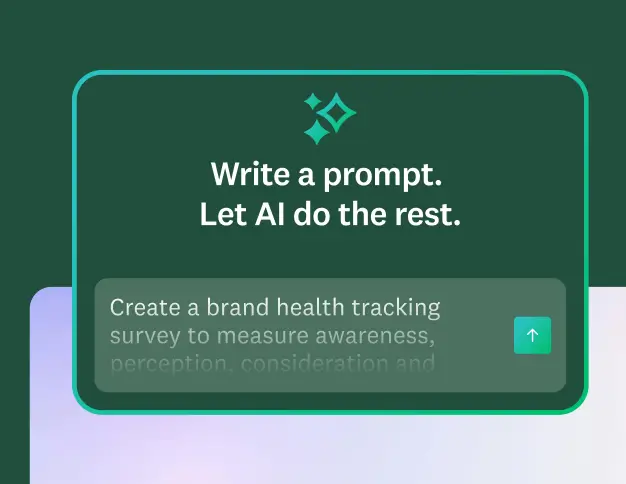
Create better AI prompts
Learn 5 quick tips for writing prompts that generate high-quality surveys and forms.
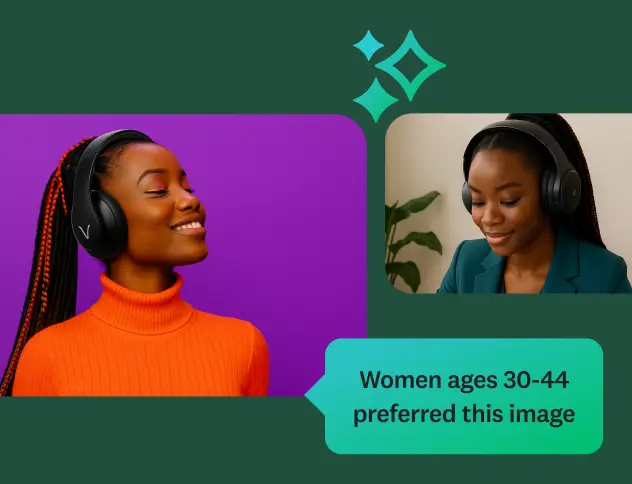
Discover our top features
Explore all SurveyMonkey features that help you get to insights fast.

Our AI principles
Explore the transparency and accountability that guide how we build AI.
Plans that fit you or your team
Basic
For anyone just getting started. Create unlimited surveys and collect 25 free responses on each survey.
Individuals
For individual users who need advanced tools and want to save with a flexible, feature-rich plan.
Teams
For growing teams who need great survey tools, branding controls, and real-time collaboration features.
Enterprise
For organizations that need secure access, admin tools, and powerful integrations at scale.
Surveys in seconds.
Insights in minutes.
Learn how quick and easy it is to create and analyze surveys with SurveyMonkey AI.