SURVEY CUSTOMIZATION
Create surveys that feel uniquely yours
Create seamless surveys that reflect your brand, drive engagement, and improve response rates, with our custom survey maker.


From generic to on-brand in seconds with AI
Upload your logo or image, and our AI will instantly generate an on-brand survey theme, or you can choose from dozens of pre-built designs and tailor colors, fonts, and imagery to fit your style guide. Save custom themes so your team can create polished surveys, every time.
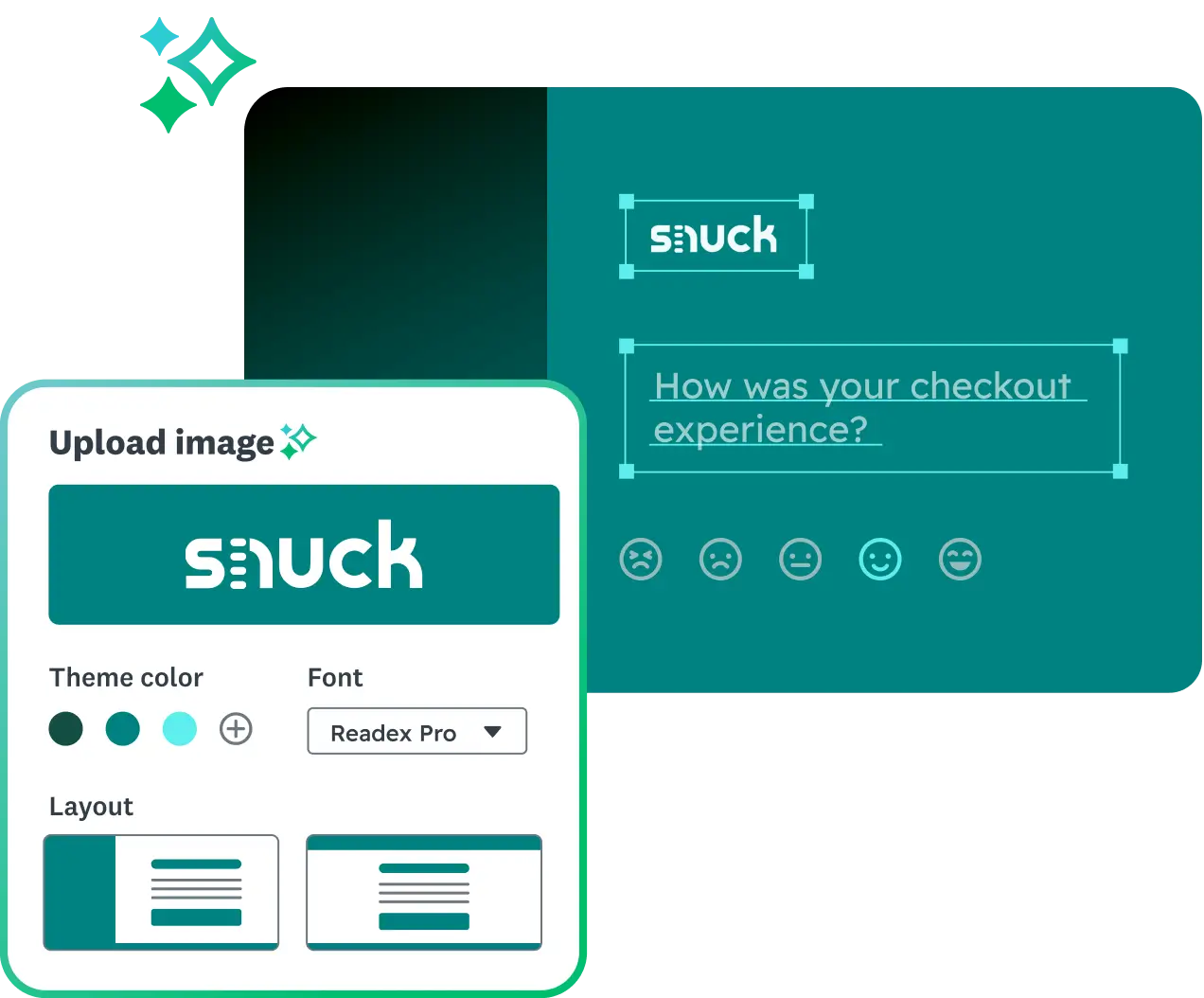

Put your brand front and center
You can remove SurveyMonkey branding and redirect people to your website or any destination after they complete your survey. Customize your survey’s URL ending to reflect your topic or audience, and use a custom thank you page to reinforce trust and leave a positive impression.
Personalized invites from a sender people recognize
Stand out in crowded inboxes with custom HTML invitations that feel modern, personal, and worth clicking. Add images or embedded videos to capture attention, and include first names or sender details so people know the message is from a trusted source—not a generic blast. The result? Higher open rates, more engagement, and more completed surveys from the audiences that matter most.


Create surveys that are accessible for everyone
See how we help you customize your survey to comply with 508 and WCAG2 standards. Read more about themes and creating accessible surveys.
Customization that works for every team

Keep your surveys on-brand and unforgettable
Ensure every survey reflects your brand identity with custom colors, fonts, and logos, building recognition and trust at every touchpoint.
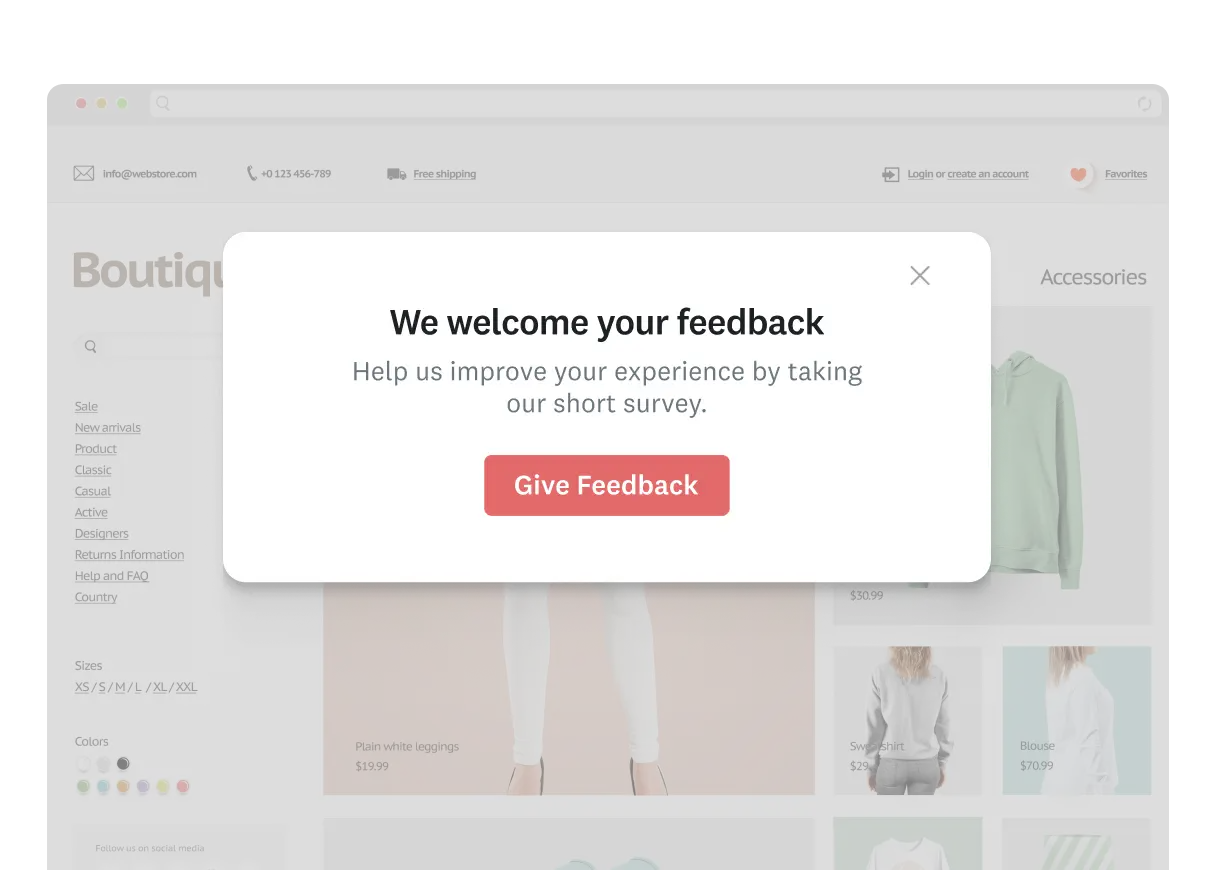


Discover our capabilities
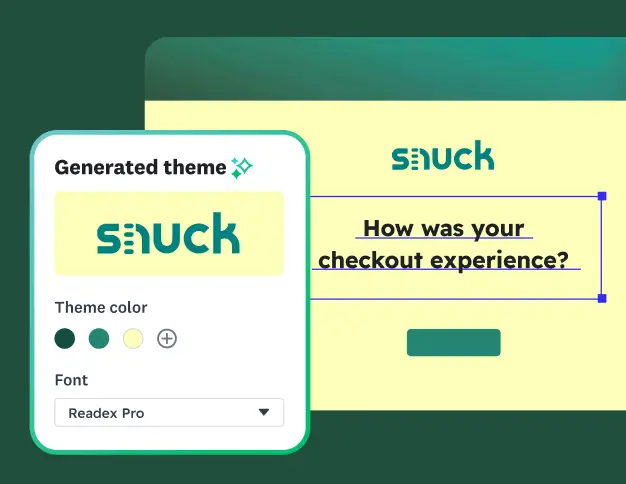
Branding surveys for beginners
Watch and learn how to create professional, on-brand surveys that boost response rates.
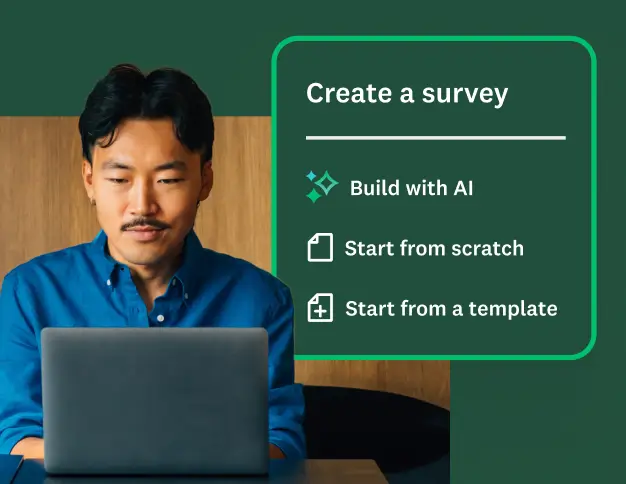
Creating surveys with SurveyMonkey
Learn best practices for creating surveys on the SurveyMonkey platform.
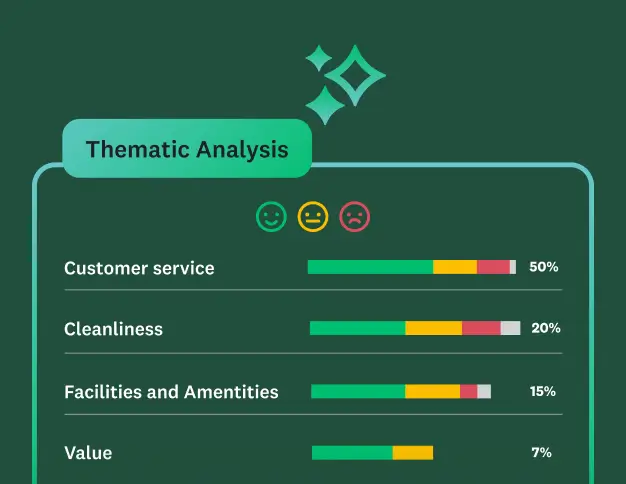
Discover our top features
Explore all SurveyMonkey features that help you get to insights fast.
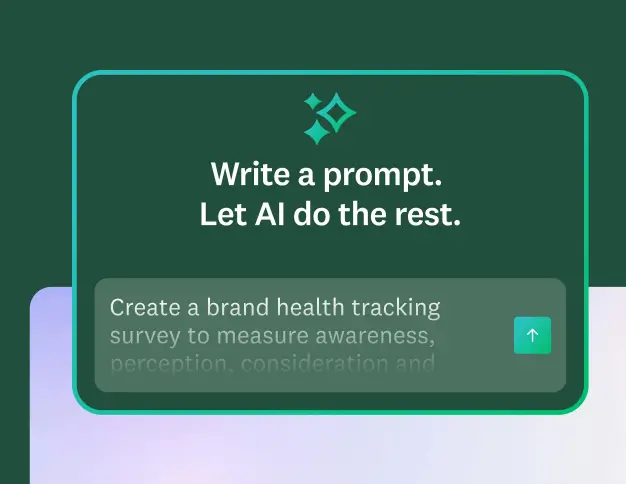
Supercharge survey creation with AI
Our AI handles survey structure, design, and quality, so you can go from idea to polished survey in minutes.
Ready to make beautiful surveys together?
Start building better surveys with SurveyMonkey today! Free to try, simple to use, and powerful
enough to transform feedback into action.